sketch experiment 7 - osc events
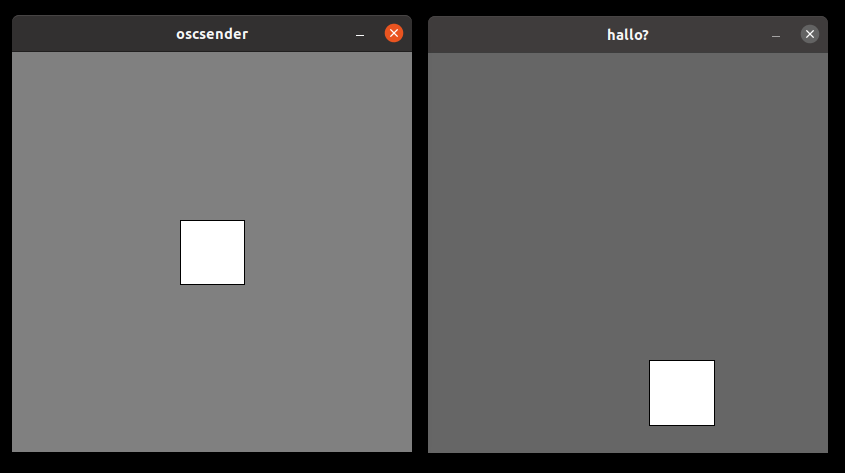
for my latest sketch experiment I implemented a osc event receiver that changes the size of a bouncing rectangle. The osc events are sent by a processing sketch.


nested cubes in processing
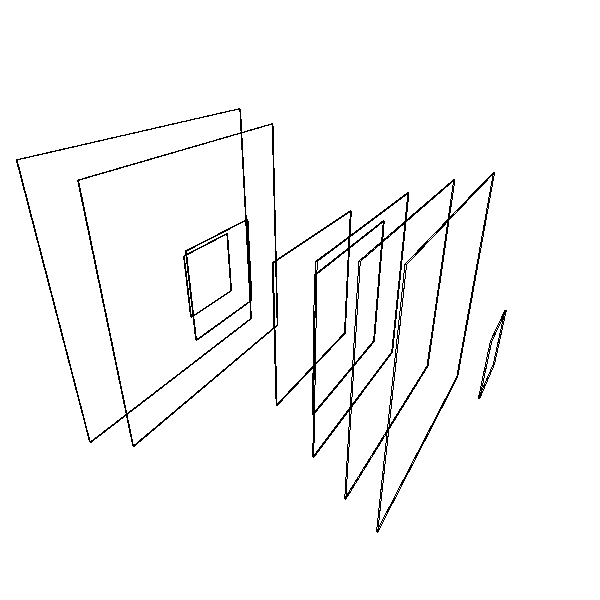
for this processing sketch I created a set of 5 nested cubes - each half the size of it's predecessor.
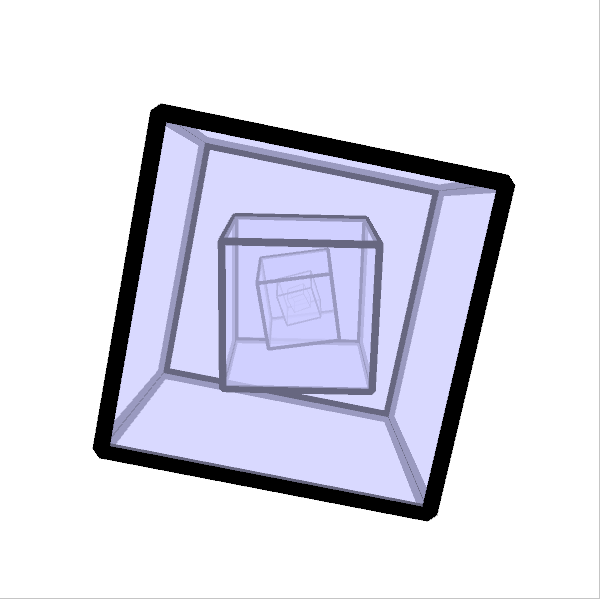
Each cube rotates around the x and y axis with different speeds and each cube rotates at a 10% slower rate than its predecessor.
To make the 3D effect a little bit more prominent I activated the "ENABLE_STROKE_PERSPECTIVE" hint, so the lines of the cubes wireframe get thinner the further they are away from the camera.
Initally i planned to render the cubes only as wireframes, but after experimenting with them for a while I decided to go for a transparent light blue shading.
read more ...processing phaseflower
Since I haven't used Processing in a while, I dusted of my processing installation (and upgraded it to the latest version) and started to make some animations. I wanted to create an animation that morphes between random states of a parameterset over a random time periode, then stay at that state for some time and repeat ad infinitum. I implemented a similar state morphing system for a fractal in ronin a while ago and wanted to port it to processing. what could go wrong - right?
The base sketch I wanted to morph was a flower like shape that uses polar coordinates to modulate the radius of a bunch of small circles that are placed in a circle. Each target state that is held for some time should be a whole number multiple of the radius so that the modulations fit on a circle wihout jumps.
I implemented the drawing function and a first very simple state morphing system that is a direct port from my ronin sketch. There I simply interpolate between two states of a parameter over a given time
p = p1 + currenttime(p2 - p1)/periode
well that worked ok for the fractal curves i used id for in my last sketch, but since I used it here to do some modulations on a circular shape using polar coordinates the shape started to look really ugly when my parameter had some inbetween states that results in a fractual number. Hrmpf.
so back to the drawing board. Directly morphing the parameters and then calculating the position of the circles didn't work as expected.
After some experimenting I ended up at linear interpolation of the resulting circle positions that are calculated from the parametersets instead of morphing the paramters themslef. This way i can always use whole numbers as start and end values for a transition and no inbetween states that result in hard jumps are generated
lessions learned: simply morphing between states by blending parameters is fine in cartesian space - but results in wired transitions when polar coordinates or rotations are involved.
If you want to experiment with my state changing phase flower you can run it here.
click here to start the sketch or download the sourcecode.
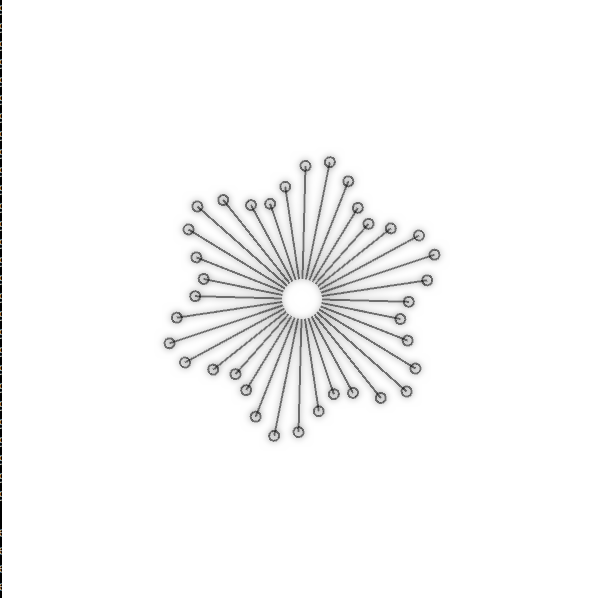
Time Perception
I made a visualizer for my track Time Perception in processing.
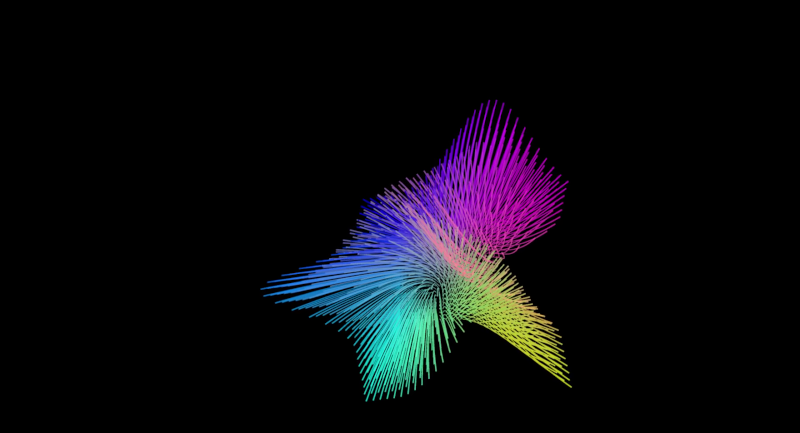
To create the bands I used a noisefield and used the current position of a particle to determine the new position. the index in the array of positions was used as the z-axis. So I basically created a noisefield particle animation but instead of drawing the points moving in time - i used "time" as the z-axis.
to create the 3D bands I simply activated hint(ENABLE_STROKE_PERSPECTIVE); in my setup() method
de jong attractor
I've been experimenting with strange attractors lately and this is one of the processing sketches I created - showing a animated version of the de jong attractor
![[TITLE]](https://www.local-guru.net/img/guru/dejong.png)
floating rectangles in processing
I created some floating rectangles in processing, that change their position and size and morph between the current and the new state
click here to start the sketch or download the sourcecode.
corral structures from particle collisions
I wrote a processing sketch that creates 2D corral like structures, by throwing a group of particles at a center location and making them stick whenever they hit another already sticked particle
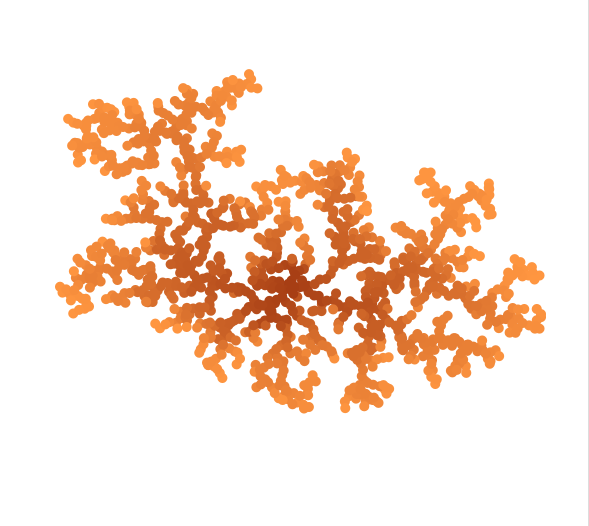
the sketch starts by initializing a sticky particle at the seed location and then placing all other particles at random locations with their direction vector pointing to the seed particle
then each particle moves in the direction of the center and if it hits an already sticky particle it gets sticky as well. When two nonsticky particles collide, they get shifted around a to a random position to prevent them creating endless loops.
read more ...raindrops processing sketch
a short processing sketch drawing raindrops on a surface maybe I turn this into an animated texture for a blender render
click here to start the sketch or download the sourcecode.

Phase Shift
I made a video for my track "Phase Shift" in processing.
The song is two lines playing the same melody, but with different loop lengths - shifting in and out of phase
The animation was generated from a wild combination of trigonometric and noise functions generating 7200 curve vertices that are slowly changing over time
read more ...processing symetrie explorer
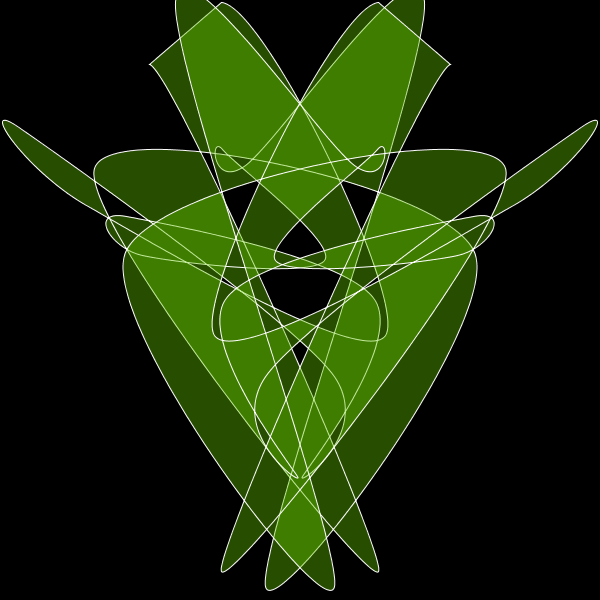
I created a little processing sketch that draws a filled curve at some random vertices, and then mirrors it and draws it a second time. I like how simple evolving shapes that are drawn twice mirrored along an vertical axis immediately look very organic. So watch the shapes evolve slowly and have fun finding flowers, faces, insects, ...
click here to start the sketch or download the sourcecode.